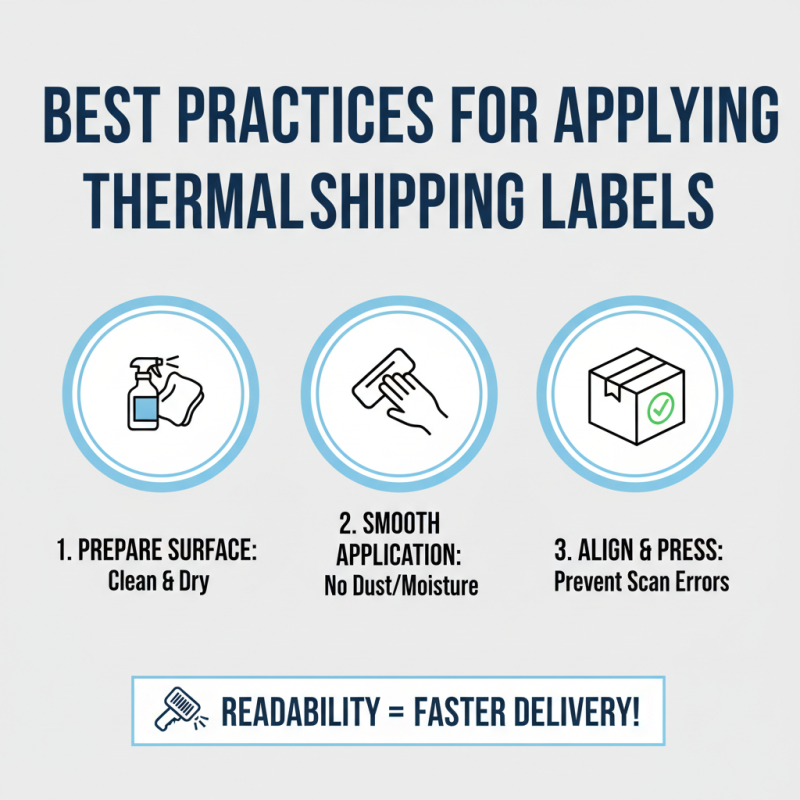
10 Essential Tips for Using Thermal Shipping Labels Effectively?
In today's fast-paced shipping environment, understanding how to use Thermal Shipping Labels effectively is crucial. These labels offer efficiency and accuracy, but many users overlook best practices. It's easy to make mistakes if you lack experience with thermal printers or labels.
Thermal Shipping Labels provide a reliable solution for businesses. They enhance speed and reduce errors in your shipping process. However, not all thermal labels are created equal. Selecting the right type for your printer can prevent frustrating outcomes.
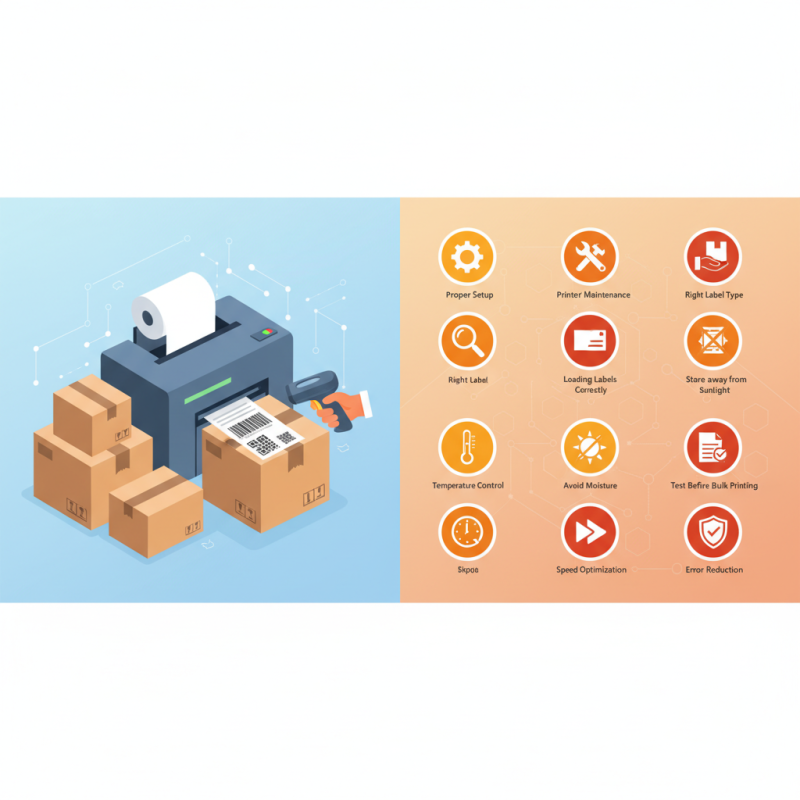
For optimal results, proper setup and maintenance are essential. Users often skip steps, leading to ineffective labels. Reflecting on past shipping experiences can help identify areas for improvement. Embracing these tips will enhance your shipping accuracy and efficiency significantly.
Understanding Thermal Shipping Labels: An Overview
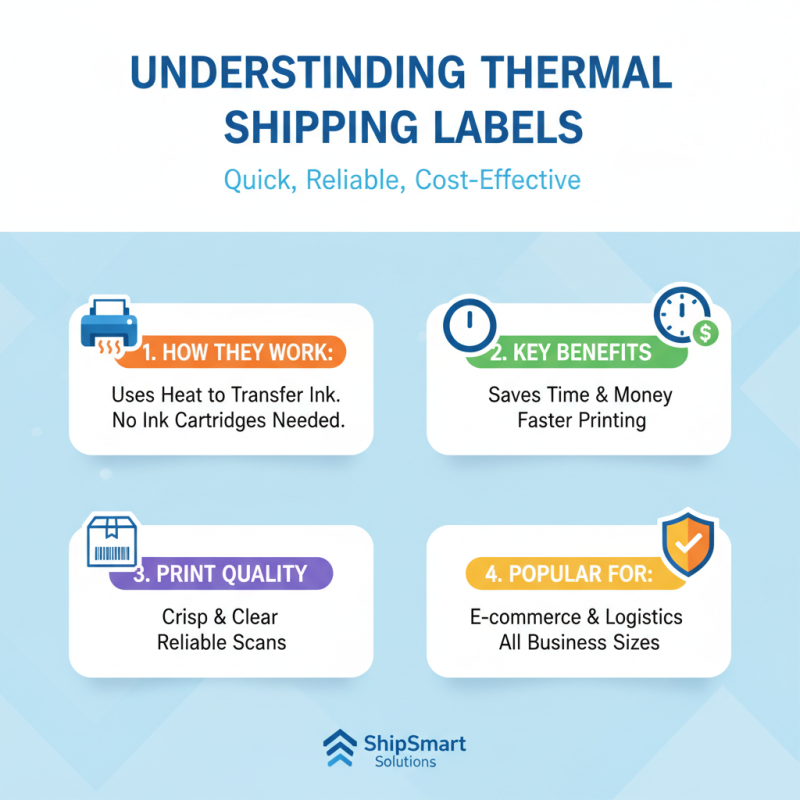
Thermal shipping labels are becoming a popular choice for businesses of all sizes. They offer a quick, reliable method for printing labels, which saves time and money. These labels use heat to transfer ink onto the shipping material. This means there’s no need for messy ink cartridges. They provide a crisp and clear print every time.
However, using thermal shipping labels requires some understanding. Not all printers are compatible. Choosing the right thermal printer is crucial. It’s important to consider the type of labels you need. Some labels work better for specific shipping conditions. For instance, labels that withstand humidity might be necessary for certain environments.
Another aspect to consider is the sizing of the labels. If they are too small, essential details may get cut off. If too large, they may look unprofessional. Experimenting with various sizes can help to avoid these pitfalls. Additionally, ensure your software settings are correct for the best results. The wrong settings could result in wasted labels and added costs. Paying attention to these details can enhance efficiency in your shipping process.
Choosing the Right Thermal Printer for Your Needs
When selecting a thermal printer, consider your specific needs. The right printer can improve efficiency and reduce shipping errors. Look for printers with a resolution of at least 203 DPI. This ensures clear, legible labels. Reports indicate that businesses using high-resolution printers see a 20% decrease in label-related errors.
Speed is another critical factor. Some thermal printers can print up to 300 mm per second. This is vital for businesses with high volume shipping. Utilizing faster printers can increase productivity by 35%. However, avoid printers that compromise on build quality for speed. Issues can arise if the printer overheats during extended use.
Also, think about connectivity options. Models offering both USB and Bluetooth can enhance flexibility. In a recent industry survey, 68% of respondents favored printers that support multiple connectivity options. This adaptability allows businesses to integrate thermal printing seamlessly into existing operations. However, not all models offer smooth software compatibility, which can lead to frustration.
Research and read user reviews before making a decision.
Optimal Settings for Printing Thermal Shipping Labels
When it comes to printing thermal shipping labels, achieving optimal settings is crucial for clarity and efficiency. Start with your printer's resolution settings. A resolution of 203 DPI often works well for standard labels. However, higher resolutions can improve barcode readability, which is essential for seamless logistics.
Use the correct label size in your printer settings. If the dimensions are off, you might end up with labels that are cropped or poorly aligned. Check your printer for any calibration options. Misaligned labels can result from improper calibration, causing waste and frustration.
Also, ensure the thermal transfer ribbons match your label type. Using the wrong ribbons may lead to smudged prints. Experiment with the print speed settings. Slower speeds can yield better results, particularly for more detailed designs. Adjusting the contrast is another useful tip. A slight increase can enhance clarity, making labels easier to read.
Remember that not every label will print perfectly. It’s okay to have occasional misprints. Use these as learning opportunities to tweak your settings for future prints. The goal is efficiency, but don’t shy away from iterating on the process. Discover what works best for your specific needs, while accepting that adjustments are part of mastering thermal printing.
Troubleshooting Common Issues with Thermal Shipping Labels
Using thermal shipping labels can streamline your shipping process. However, issues may arise that can disrupt your workflow. One common problem is the labels not printing correctly. This can happen if the printer settings are incorrect or if the label roll is improperly loaded. Always ensure the labels are loaded tightly and configured in the printer settings to avoid alignment errors.
Another frequent issue is smudged or faded labels. This often occurs due to low-quality thermal paper or insufficient heat settings on the printer. Check your paper type before printing and adjust the temperature settings. Regular maintenance of your printer can also prevent these problems from happening.
For effective use, ensure your thermal labels are compatible with your shipping software. Integrated solutions can help reduce errors in barcode scanning. When dealing with materials, environmental factors like moisture can also interfere with the quality. Always store labels in a dry place to maintain their integrity.


 +86-15362608169